
ESP32 from scratch: which board to buy and what to build
A beginner's guide to the ESP32: which board to buy for your project, how the S3, C3 and C6 models differ, and what you can actually build with each.
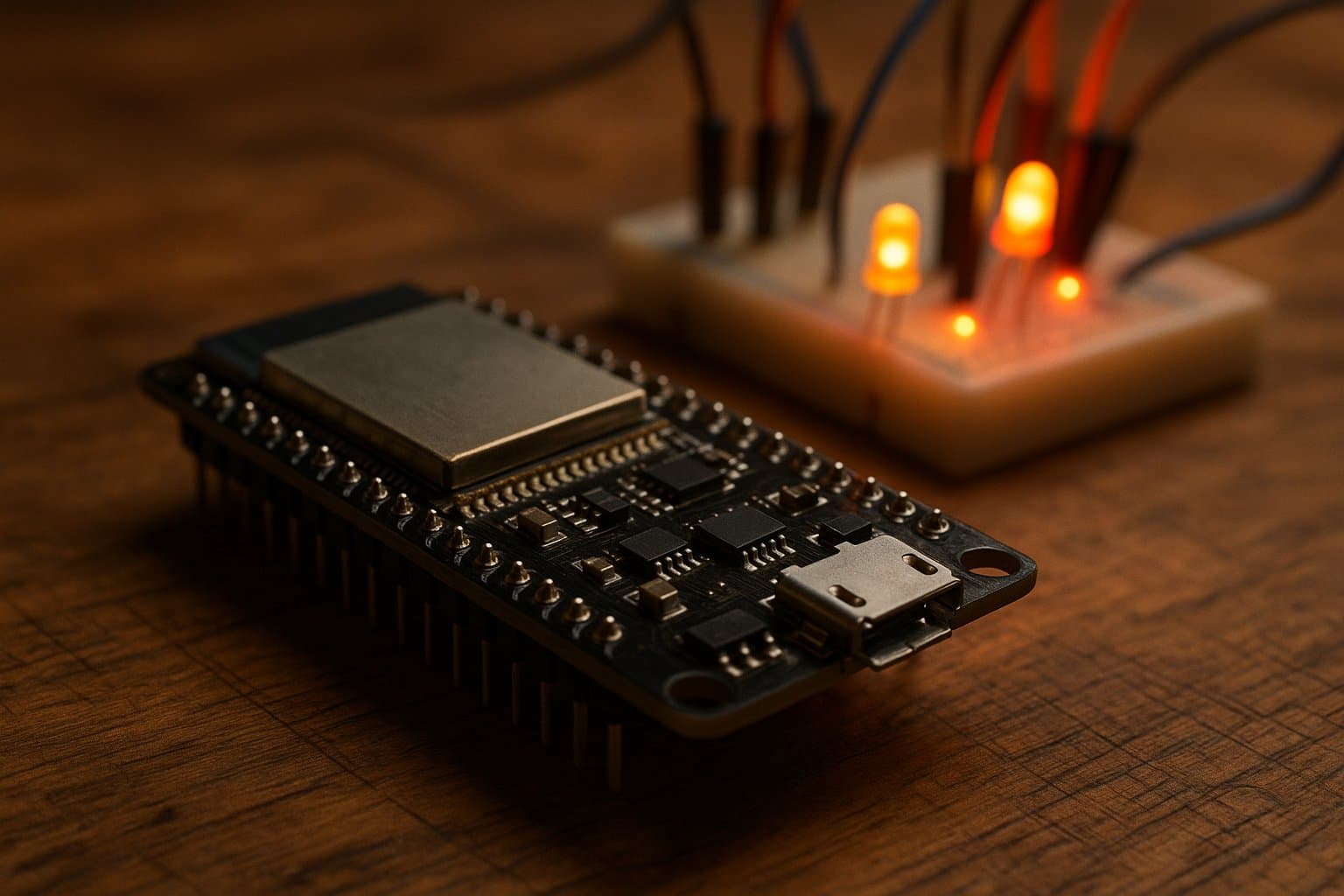
The ESP32 has become the favorite microcontroller of anyone who wants to put something online without spending a fortune. For less than the price of lunch it packs Wi-Fi, Bluetooth, dozens of pins and more than enough power for almost any home electronics project. But when you go to buy your first one, you run into an alphabet soup: ESP32, ESP32-S3, ESP32-C3, ESP32-C6, DevKit, WROOM, WROVER… This guide exists so you know exactly which board to buy and what you can build with it.
What exactly is the ESP32?
The ESP32 is a SoC (system on a chip) created by the Chinese company Espressif Systems and released in September 2016 as the successor to the wildly popular ESP8266. The trick is that it integrates the processor, the memory and the radio on a single die: it brings 2.4 GHz Wi-Fi (802.11 b/g/n) and Bluetooth in both classic and low-energy (BLE) modes, something that on other platforms means buying separate modules.
The original chip carries a dual-core Xtensa LX6 processor running at up to 240 MHz, with 520 KB of internal SRAM. Those two cores are its big difference from a classic Arduino: one can handle the Wi-Fi connection while the other runs your program, without the device locking up. To place the ESP32 within the maker landscape, it's worth first reading our comparison of Arduino versus Raspberry Pi: the ESP32 sits right in the middle ground between those two worlds.
The ESP32 family: from Xtensa to RISC-V
Here is the most common source of confusion. "ESP32" is not a single board but a family that has kept growing. These are the models that really matter today:
- ESP32 (the original). Dual-core Xtensa LX6 at 240 MHz, Wi-Fi and classic Bluetooth + BLE. It's the most documented one on the planet: any tutorial you find on YouTube probably uses it. It's still the default choice for learning.
- ESP32-S3. Also dual-core Xtensa, but with acceleration instructions for artificial intelligence, camera support and native USB. It's the powerful option: cameras, voice recognition, displays and rich interfaces.
- ESP32-C3. The first ESP32 with a RISC-V architecture, the open instruction set that is shaking up the industry. It's single-core at 160 MHz, cheaper and plenty for simple IoT projects.
- ESP32-C6. The most modern one: it adds Wi-Fi 6 and the 802.15.4 radio, which opens the door to Thread, Zigbee and Matter, the standards of the new smart home. If you're thinking about home automation down the road, this is the path.
So, which board should you buy?
One important clarification: the chip doesn't solder itself. What you buy is a development board (DevKit) that already has the chip mounted, a USB port to program it, a voltage regulator and pins ready to use on a breadboard. These are the recommendations for your situation:
- If you're just starting: an ESP32 DevKitC with a WROOM-32 module. It's cheap, plentiful in local and import shops, and every tutorial works for it. Don't complicate your first board with exotic variants.
- If you want the cheapest option: an ESP32-C3 (the "Super Mini" versions cost next to nothing). Perfect for a sensor that reports to the internet or a smart button.
- If you'll do cameras, audio or AI: an ESP32-S3, ideally with extra PSRAM. It's the only one with the muscle for those tasks.
- If you're aiming at modern home automation: an ESP32-C6, for its native Matter and Thread support.
How do you program it?
Here's the other piece of good news for the beginner. The ESP32 can be programmed in three ways, from the easiest to the most professional:
- Arduino IDE. You install ESP32 support and program with the same language and libraries as Arduino. It's the natural entry point if you've already done something with Arduino.
- MicroPython. If you prefer Python, you can flash a firmware that lets you write the program directly in that language. Great for rapid prototyping.
- ESP-IDF. Espressif's official environment, in C/C++. It's more demanding, but it gives you full control over the hardware when the project grows.
What you can build with an ESP32
This is the fun part. With a single board costing a few dollars you can put together, among many other things:
- A weather station that measures temperature, humidity and pressure and publishes the data to the cloud. (We already built a version with a different board in our guide to the weather station with Arduino; the ESP32 makes it even easier thanks to its built-in Wi-Fi.)
- Your own web server inside the device, to control it from your phone's browser without any apps. In fact, there's an Ecuadorian project built on that very idea: see how to configure an ESP32 from its own web interface.
- Home automation: turning on lights, opening curtains, reading motion sensors and connecting it all to Google Home or Alexa.
- Low-power remote sensors that sleep almost all the time and wake up only to send a reading, stretching the battery for months. For long distances it pairs well with technologies like LoRaWAN and smart cities.
- Home security cameras, robots, clocks, irrigation controllers and basically anything that needs to "think" and "connect."
In summary
The ESP32 is probably the best ratio of price, power and connectivity available today for getting started in connected electronics. For your first board, buy an original ESP32 DevKitC: it's cheap, documented to death and will serve you for 90% of projects. Once you're clear on what you want to build —a camera, a home-automation node, a sensor that lasts months on a battery— you'll know whether it's worth jumping to an S3, a C3 or a C6. The important thing is to start: for under ten dollars you can already put the internet inside anything you can dream up.
References
Categories
The books · born from this blog

Atahualpa con su abrigo de pelo de murciélago
y otras 49 historias verdaderas que parecen mentira
Available on Amazon
Tocar madera
Pequeña historia de las supersticiones que el mundo no ha podido soltar
Available on Amazon
100 futuros
Cien escenarios del mundo que viene con la inteligencia artificial
Available on AmazonYou may also like
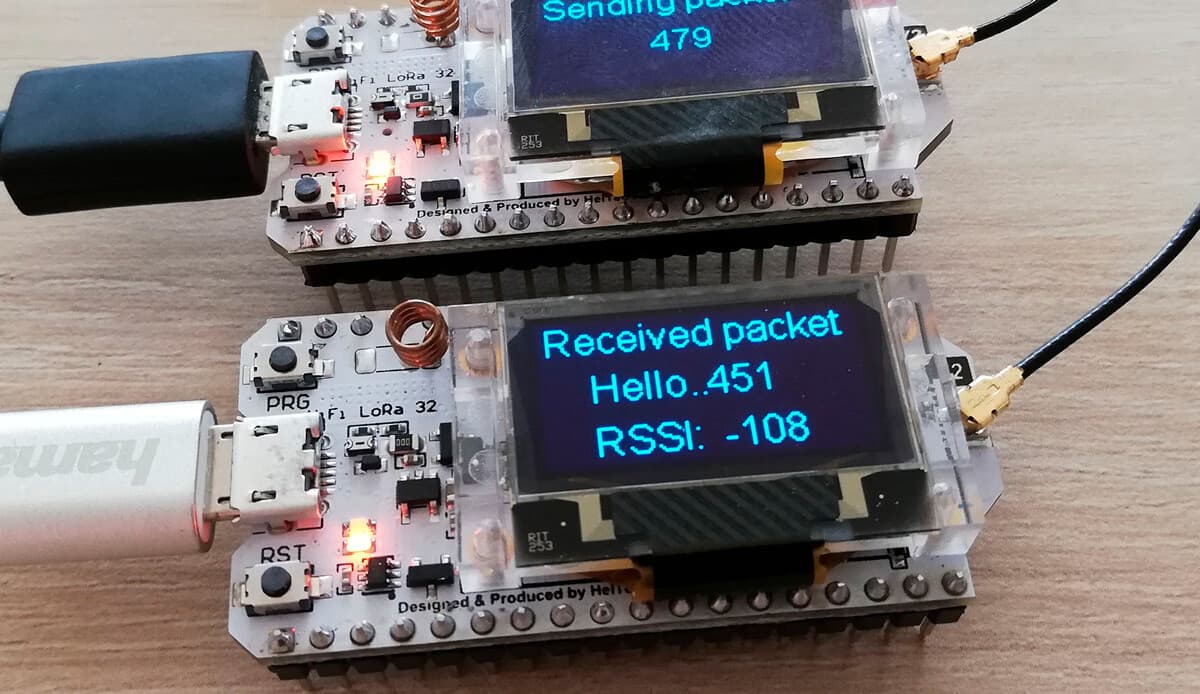
YuboxNow: equip your ESP32 board with its own LoRaWAN configuration and support Web interface
Embed a configuration web interface on your ESP32 just like a router, with built-in WiFi and LoRaWAN support for your next open-source IoT project.
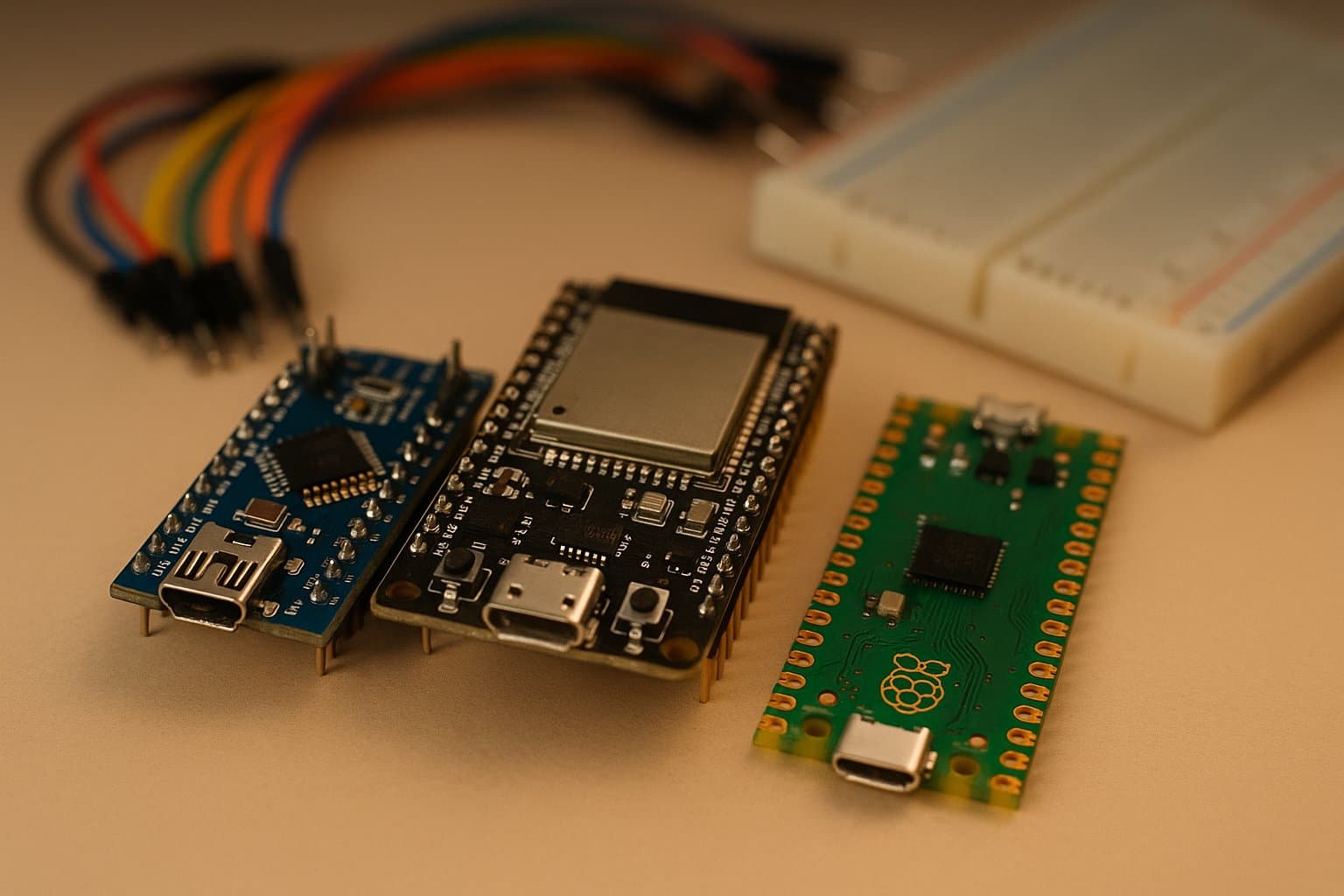
ESP32 vs Arduino vs Raspberry Pi Pico: which to choose
A clear comparison of the ESP32, Arduino and Raspberry Pi Pico: how they differ, which one fits your project and what each board actually costs.
Vacuum Tube vs Transistor: The Battle for Electronics
For decades the vacuum tube ruled electronics, until a tiny chip of metal dethroned it. The story of the battle that shrank technology into your pocket.