
ESP32 vs Arduino vs Raspberry Pi Pico: which to choose
A clear comparison of the ESP32, Arduino and Raspberry Pi Pico: how they differ, which one fits your project and what each board actually costs.
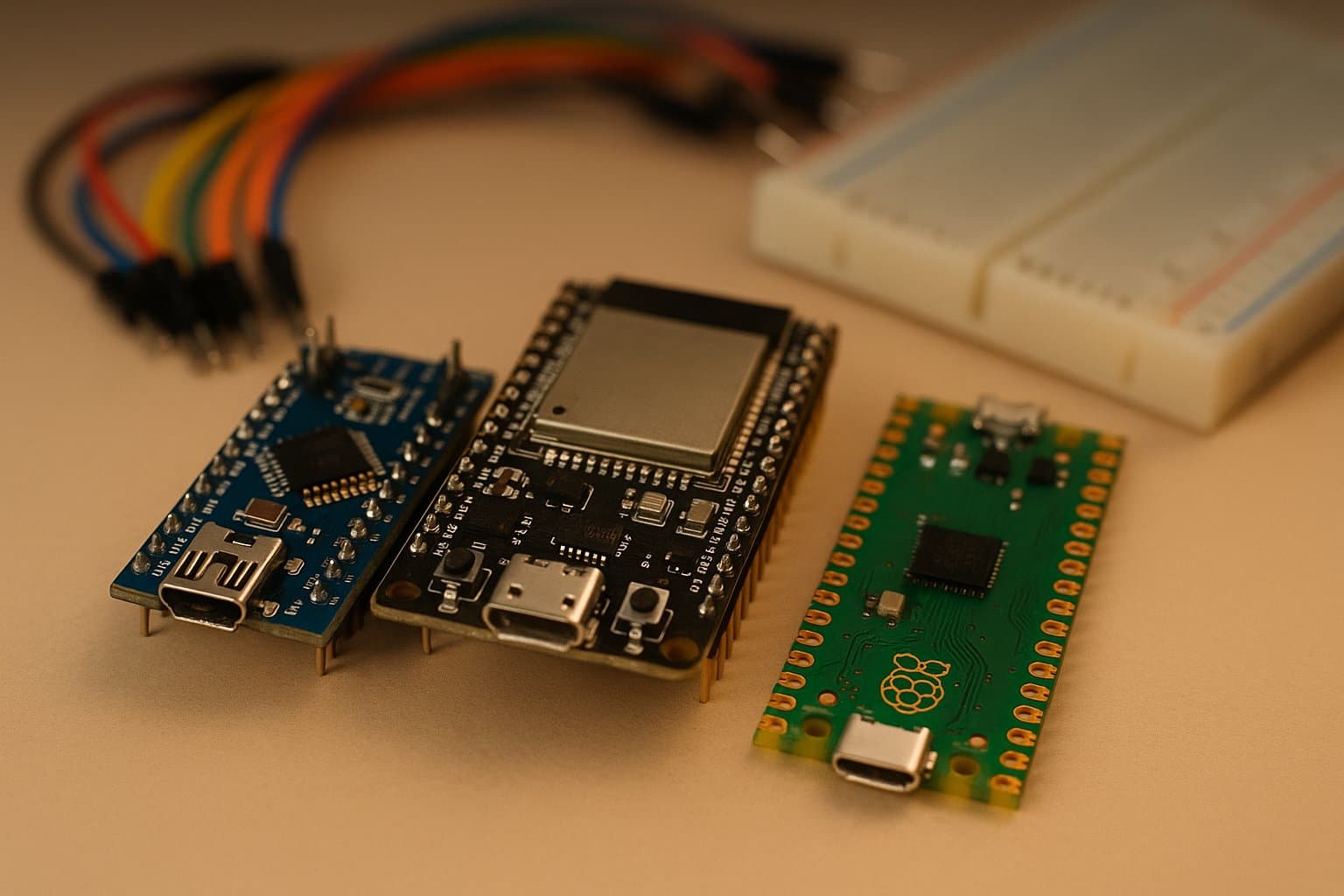
Three names show up in almost any home electronics project: ESP32, Arduino and Raspberry Pi Pico. All three are small, cheap boards capable of driving lights, motors and sensors. But they aren't interchangeable, and choosing the wrong one means overpaying, running out of power, or fighting an environment that doesn't fit your project. This comparison cuts to the chase: how they really differ and which one to pick in each case.
First things first: all three are microcontrollers
Let's clear up a common confusion. The regular Raspberry Pi —the one with HDMI ports that runs Linux— is a full computer. But the Raspberry Pi Pico is a different beast: it's a microcontroller, just like the Arduino and the ESP32. It doesn't run an operating system; it runs a single program you flash onto it, over and over, in a loop. If what you want is a tiny desktop computer to browse or write code on screen, that's the big Pi's territory, and for that you'll want to read our comparison of Arduino versus Raspberry Pi. Here we're talking about the three boards that control hardware directly.
Arduino: the starting point of the maker world
Arduino was born in Italy in 2005 as a platform meant to let artists and students —not engineers— program electronics. Its best-known board, the Arduino Uno R3, carries an 8-bit ATmega328P chip running at 16 MHz, with just 2 KB of SRAM and 32 KB of storage. Those numbers sound ridiculous next to the other two, and they are. But that's the point: it's so simple it's almost impossible to break, it boots instantly, and it has twenty years of tutorials, libraries and forums behind it.
The newest Arduino, the Uno R4, takes a big leap: it uses a 32-bit Renesas ARM Cortex-M4 running at 48 MHz, and the WiFi version even has an ESP32-S3 inside for internet connectivity. Even so, the spirit is the same: the most mature, predictable and beginner-friendly platform around. If your project is switching a relay, driving a servo or reading a sensor without fuss, an Arduino is more than enough.
ESP32: connectivity for a few dollars
The ESP32, created by the Chinese company Espressif, is the undisputed king when a project needs internet. It brings Wi-Fi and Bluetooth built into the chip itself, something a classic Arduino needs separate modules for. Inside it runs a dual-core processor at 240 MHz with 520 KB of SRAM: far more muscle than an Arduino Uno, at a similar or lower price.
That blend of power, connectivity and price has made it the favorite for home automation, remote sensors and anything that has to "talk" to a server or your phone. If you want to understand the full family —the S3, C3 and C6 models— and which one to buy first, we break it all down in our guide to getting started with the ESP32 from scratch. Its only real downside versus the Arduino is that, being more capable, it also has more edges: power management, the Wi-Fi stack and the sheer number of options can overwhelm an absolute beginner.
Raspberry Pi Pico: the powerful, cheap surprise
The Raspberry Pi Pico, launched in 2021, was the Raspberry Pi Foundation's entry into the microcontroller world. It carries their own RP2040 chip: dual-core ARM Cortex-M0+ at 133 MHz and 264 KB of SRAM, for about 4 dollars. The Pico W version adds Wi-Fi and Bluetooth.
In 2024 came the Pico 2, with the new RP2350 chip, and here's the curious part: the chip includes two architectures at once. You can choose to run your code on a pair of ARM Cortex-M33 cores at 150 MHz or on a pair of RISC-V cores (the open architecture we often write about), all on the same 5-dollar board with 520 KB of SRAM. The Pico also stands out for its PIO (programmable I/O) system, a rarity that lets it generate very precise digital signals the other boards envy. Its weak spot: a younger community and fewer tutorials than Arduino or ESP32, though it's growing fast.
The comparison in a mental table
If we had to sum up the key differences in a single sentence per board:
- Arduino Uno — 8/32-bit, no Wi-Fi (except the R4 WiFi). The simplest and best documented. For learning and for simple, robust projects.
- ESP32 — dual-core at 240 MHz, Wi-Fi and Bluetooth built in. The best for anything connected to the internet.
- Raspberry Pi Pico / Pico 2 — dual-core at 133/150 MHz, lots of memory, unique PIO and, on the Pico 2, optional RISC-V. A lot of raw power for very little money.
So, which one should you pick?
There's no single "best": there's a best for your project. Here are the honest recommendations:
- You're just starting and want as little frustration as possible: an Arduino Uno. Its maturity saves you headaches while you learn the fundamentals.
- Your project needs internet, Wi-Fi or Bluetooth: an ESP32, no question. It's the best ratio of connectivity to price.
- You want maximum power for minimum money and don't need networking: a Raspberry Pi Pico (or the Pico 2 if you're keen to experiment with RISC-V or the PIO).
- You're building long-range remote sensors: pair the ESP32 with long-distance technologies like LoRaWAN and smart cities.
The good news is that all three share much of the ecosystem: all three can be programmed from the Arduino IDE and with MicroPython, so what you learn on one carries over to the others. How cheap these chips are today —less than the price of lunch— means the best strategy for deciding is often to just buy two and experiment. If you want to see a concrete application, check out how we built a weather station with Arduino: the same project can be replicated on any of these boards.
References
Categories
The books · born from this blog

Atahualpa con su abrigo de pelo de murciélago
y otras 49 historias verdaderas que parecen mentira
Available on Amazon
Tocar madera
Pequeña historia de las supersticiones que el mundo no ha podido soltar
Available on Amazon
100 futuros
Cien escenarios del mundo que viene con la inteligencia artificial
Available on AmazonYou may also like
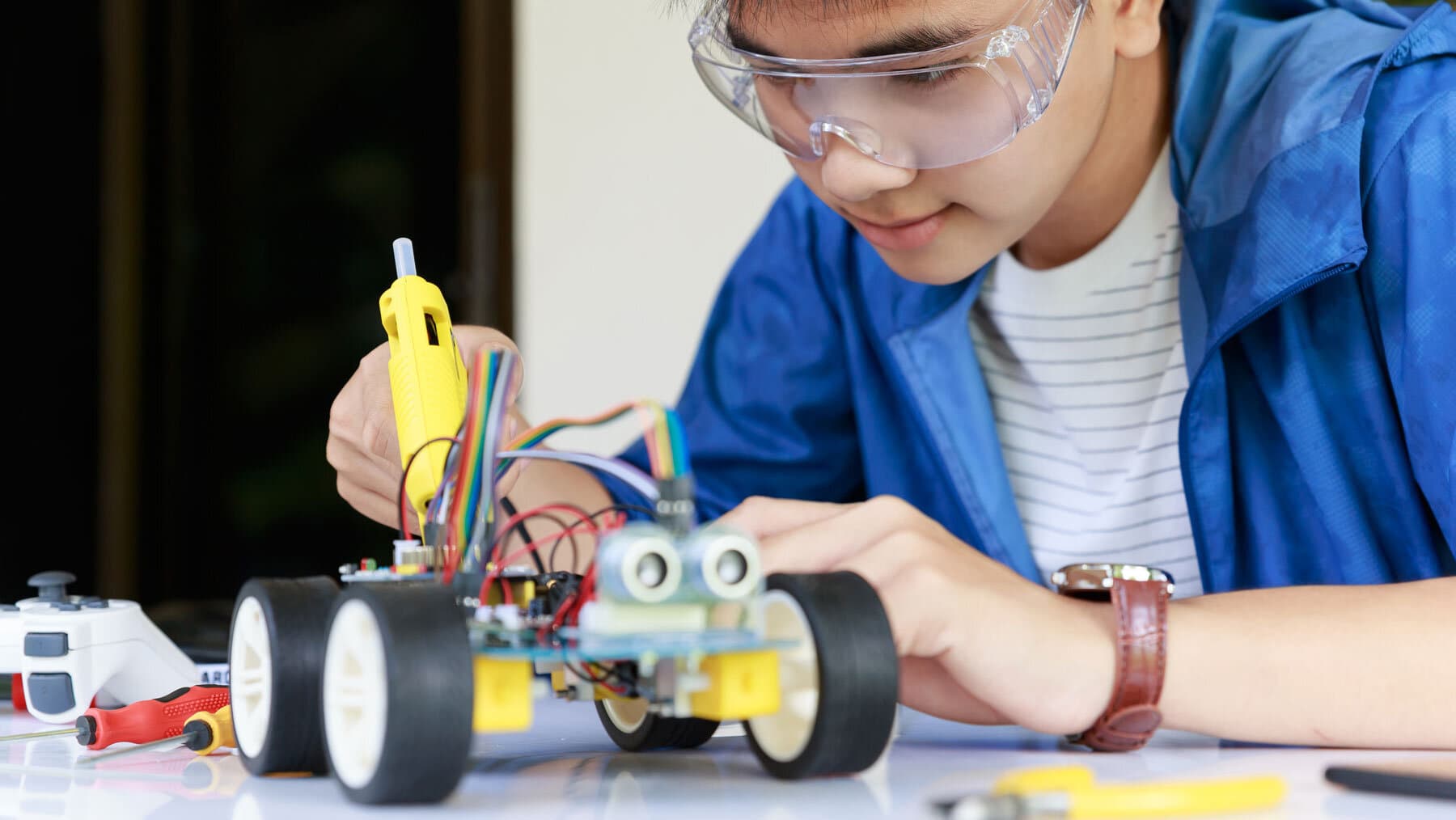
Raspberry Pi vs Arduino. Which is better?
Differences between Arduino and Raspberry Pi. When to use one or the other? We explain here the pros and cons of each of them.
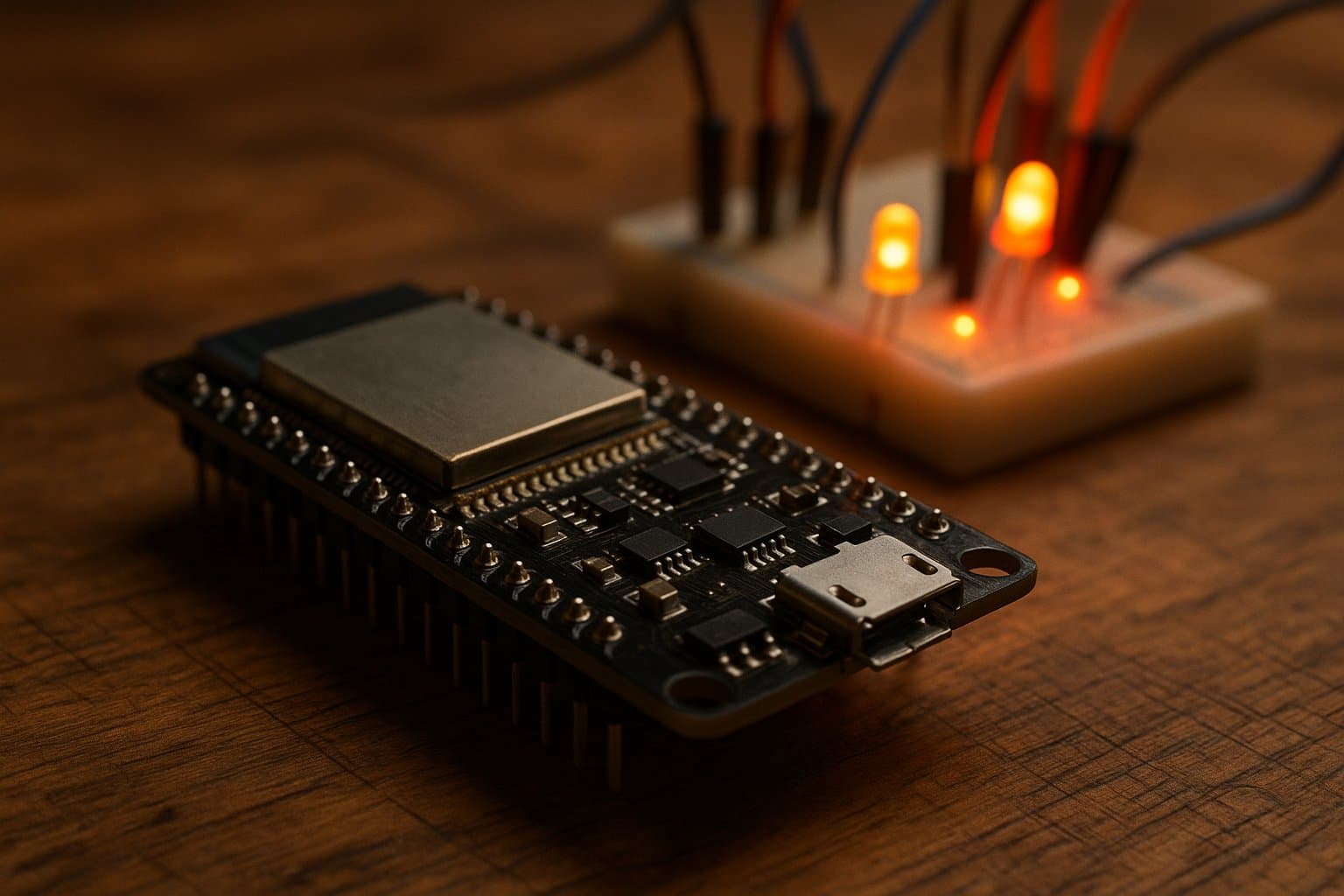
ESP32 from scratch: which board to buy and what to build
A beginner's guide to the ESP32: which board to buy for your project, how the S3, C3 and C6 models differ, and what you can actually build with each.
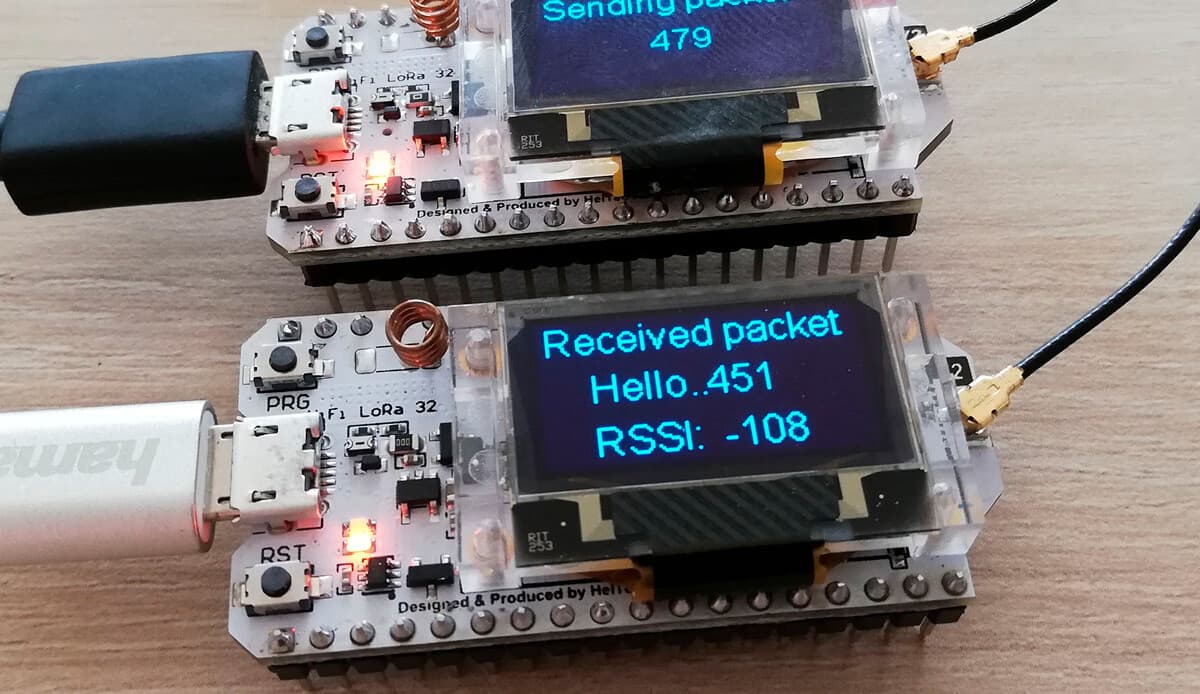
YuboxNow: equip your ESP32 board with its own LoRaWAN configuration and support Web interface
Embed a configuration web interface on your ESP32 just like a router, with built-in WiFi and LoRaWAN support for your next open-source IoT project.