
How a Touchscreen Works
How does a touchscreen work? Your finger alters an invisible electric field in the glass. The story runs from the first 1965 prototype to the iPhone.
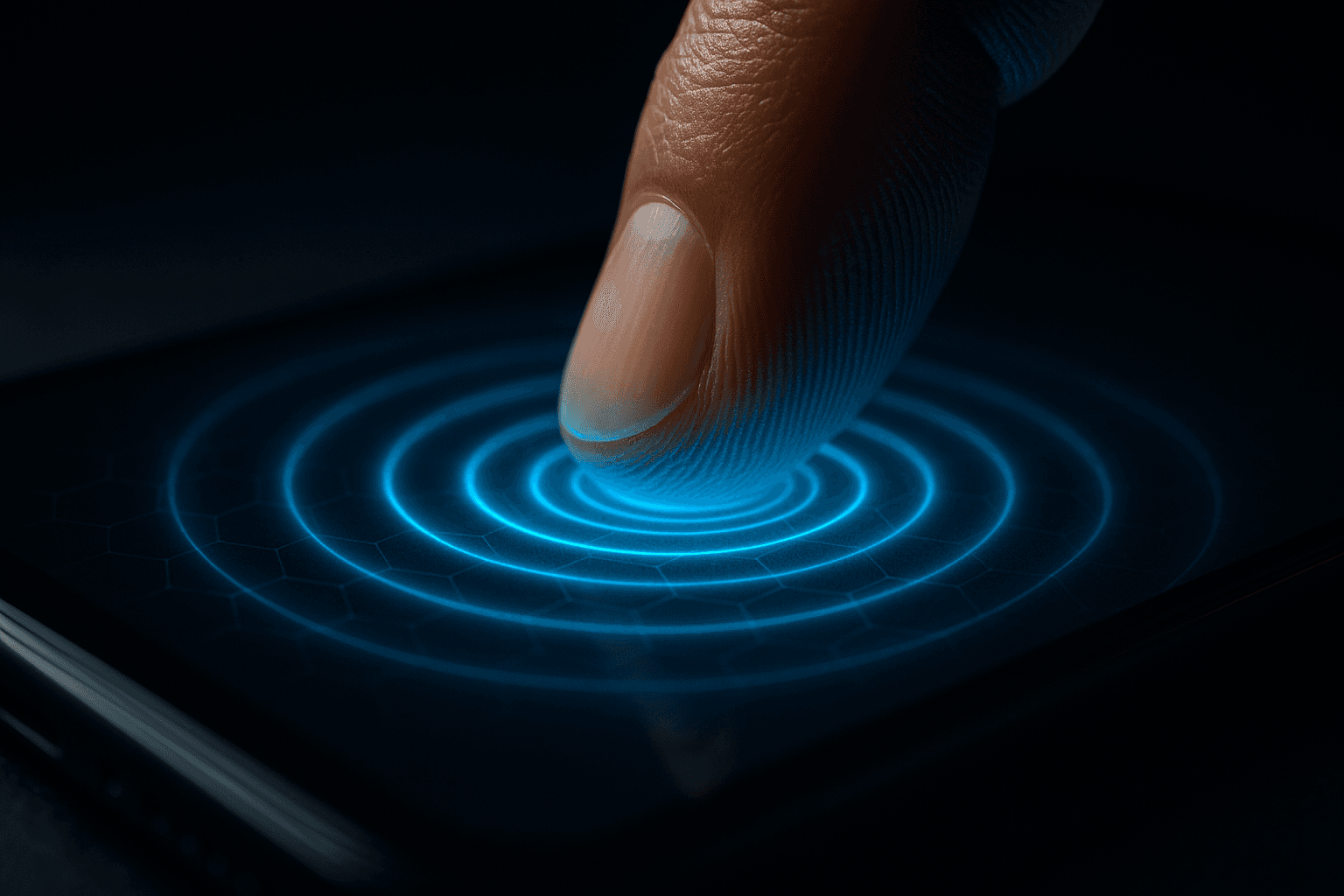
You tap your phone's touchscreen hundreds of times a day and everything responds like magic: your finger slides, the photo grows, the text appears. But there is no magic. Beneath the glass there is electricity, and your own body is part of the circuit. Understanding how a touchscreen works also explains a few everyday oddities: why it ignores you when you wear gloves, why it goes haywire when it gets wet, and why an ordinary pencil does nothing but a "special" stylus does. The story begins long before the iPhone, in a British military lab in the 1960s.
The first prototype came from a radar engineer
In 1965, engineer Eric Arthur Johnson, working at the Royal Radar Establishment in Malvern, England, published a paper with a modest title: "Touch Display—A Novel Input/Output Device for Computers." It described what is now considered the first finger-operated touchscreen. Johnson was thinking about air traffic control: instead of feeding the computer commands with buttons and levers, the operator would touch directly what appeared on the screen, gaining precious speed in critical moments.
His invention was capacitive, the very same principle your phone uses today, though it detected only one touch at a time and in binary mode: touched or not touched, with no fine coordinates. Johnson patented the idea in 1969. It would be almost forty years before the technology reached our pockets, but the concept was already there: use the electricity of the human body as part of the system.
Two very different ways to "feel" a finger
Not all touchscreens work the same way. For decades, two families coexisted that solve the same problem by opposite routes: one detects pressure, the other detects electricity.
Resistive: they feel you press
The resistive screen, popularized by American inventor G. Samuel Hurst in the 1970s, is essentially a giant transparent switch. It has two flexible, conductive layers separated by a tiny gap dotted with microscopic spacers. When you press with a finger, a fingernail or a stylus, the top layer bends and touches the bottom one at exactly that spot. That contact changes the electrical resistance flowing through the layers, and a controller translates the change into X and Y coordinates: it knows precisely where you pushed.
The great advantage is that it responds to any object that applies pressure: a glove, the tip of a pen, a fingernail. That is why old PDAs, ATMs and many industrial machines used resistive screens, which are cheap and rugged. Their downsides: they understand only one touch at a time, the image looks slightly dimmer because of the extra layers, and they don't allow gestures like the "pinch" to zoom.
Capacitive: they feel your electricity
Your phone's screen is capacitive, and here is the elegant trick: the human body conducts electricity. On top of the glass sits a transparent layer of a conductive material (usually indium tin oxide, ITO) that forms a fine, charged electrical grid. When you bring your finger close, your body "steals" a small amount of that charge and alters the electric field at that exact point. The screen doesn't feel pressure: it senses the electrical disturbance your finger causes, even with the lightest brush.
That is why a capacitive screen doesn't respond to wool gloves (they insulate your electricity) or to an ordinary plastic pencil (it doesn't conduct). And that is why capacitive styluses and special gloves work: they carry a tip or conductive threads that mimic a finger's effect. It also explains why a phone behaves erratically when the screen is wet: water conducts too, fooling the system with phantom touches.
The leap that made the iPhone possible
Within capacitive screens there was a second, decisive leap. The first ones were the "surface" type, with four electrodes in the corners that computed a single point of contact. The modern version, projected capacitive, replaces those four electrodes with a grid of electrodes arranged in rows and columns beneath the glass. The controller measures the capacitance at each crossing of the grid dozens of times per second, so it can detect several fingers at once and track their movement.
That is multi-touch, and it is what the iPhone popularized in 2007: suddenly you could pinch to zoom, rotate a photo with two fingers, or type on an on-screen keyboard without a stylus. Projected capacitive technology already existed, but it was Apple's phone that turned it into the standard for nearly every touch device that followed. It is a fine example of how a 1965 lab idea took four decades to find the product that would make it universal, much as happened with the mouse.
What you touch is not the image
It is worth remembering something habit makes us forget: when you touch an icon, you are not touching the image. The panel that displays the colors —the pixels— and the layer that detects touch are two separate systems, stacked and perfectly aligned. One draws; the other listens. Your brain fuses them into a single experience so natural that we assume we "touch" the buttons, when in fact we are altering an invisible electric field through the glass.
That blend of electricity and human body has a family resemblance to other technologies that use fields to "read" us without wires, like the NFC in cards and phones. Next time you zoom into a photo with two fingers, consider that you are completing a circuit designed sixty years ago so an air traffic controller could touch a radar. And that, in a sense, the screen doesn't respond to your finger: it responds to the electricity you carry inside.
References
- "The First Touchscreen Wasn't Apple, It Was Made in 1965," RootByte: E. A. Johnson, the Royal Radar Establishment and the first capacitive touchscreen. rootbyte.tech
- "History of Resistive Touchscreens," Faytech North America: G. Samuel Hurst and how two-layer resistive screens work. faytech.us
- "Capacitive vs. Resistive Touchscreens," Newhaven Display: why capacitive screens rely on body conductivity and resistive ones on pressure. newhavendisplay.com
- "Projected Capacitive Touch Screens," Future Electronics: mutual capacitance, the electrode grid and the iPhone's multi-touch. futureelectronics.com
Enjoy these stories about everyday technology? Continue with the origin of the word "pixel" and why we measure screens in inches, or explore the whole science and technology section.
Categories
The books · born from this blog

Atahualpa con su abrigo de pelo de murciélago
y otras 49 historias verdaderas que parecen mentira
Available on Amazon
Tocar madera
Pequeña historia de las supersticiones que el mundo no ha podido soltar
Available on Amazon
100 futuros
Cien escenarios del mundo que viene con la inteligencia artificial
Available on AmazonYou may also like

How a Microwave Works, and Why Not from Inside Out
How does a microwave work? It doesn't cook from the inside out; it heats the water in your food. The story began with a melted chocolate bar.
How GPS Works and Why It Knows Where You Are
Your phone's GPS pinpoints you thanks to satellites 20,000 km up and atomic clocks. Here is how that everyday magic actually works, step by step.

How Bluetooth Works and the Viking King Behind It
Bluetooth links your earbuds, car and keyboard with no cables. Here is how that invisible radio works and why it is named after a Viking king.